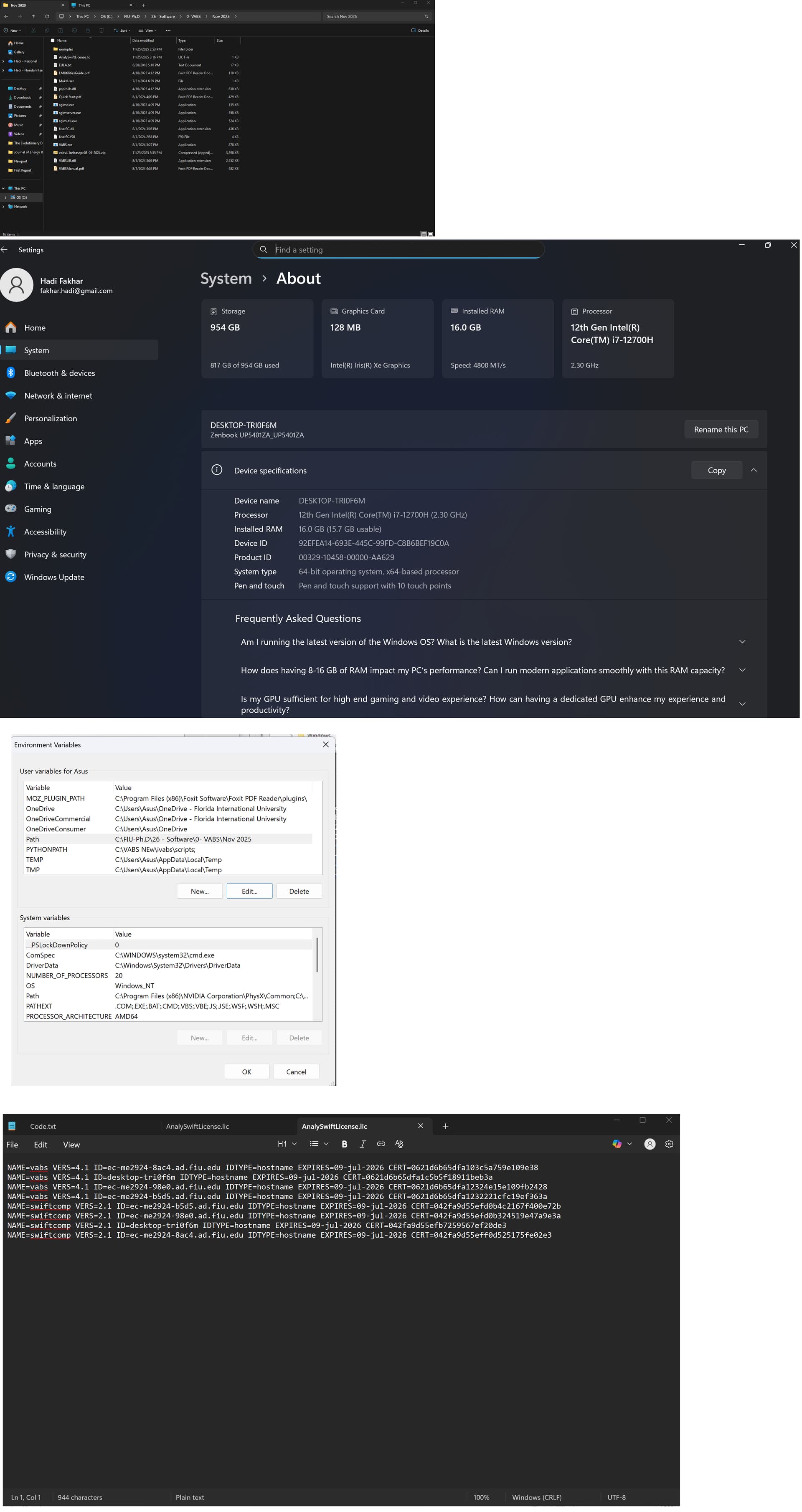
I am having an issue with the VABS license. I followed all the steps in the Quick Start guide on two different lab computers, but both showed the same error:
“Something wrong with the license: Can’t connect to license server “DESKTOP… ”
I would greatly appreciate any guidance or suggestions on how to resolve this.
There are two possible reasons: the license file is not in the right place that VABS can access. Second, your computer hostname is different from what is in the license file.
Is it ok for your to share screenshot with us? Please double check to make sure that the VABS instance you are invoking sharing the same folder as the license file. Particularly, if they are multiple VABS executables on your computer, you might be calling a VABS instance which does not have a license file associated with it.
The license was placed in the same folder where I extracted VABS. The license correctly includes my computer’s name. You can also see the computer name shown in the screenshots. I defined the path correctly, but it still was not working.
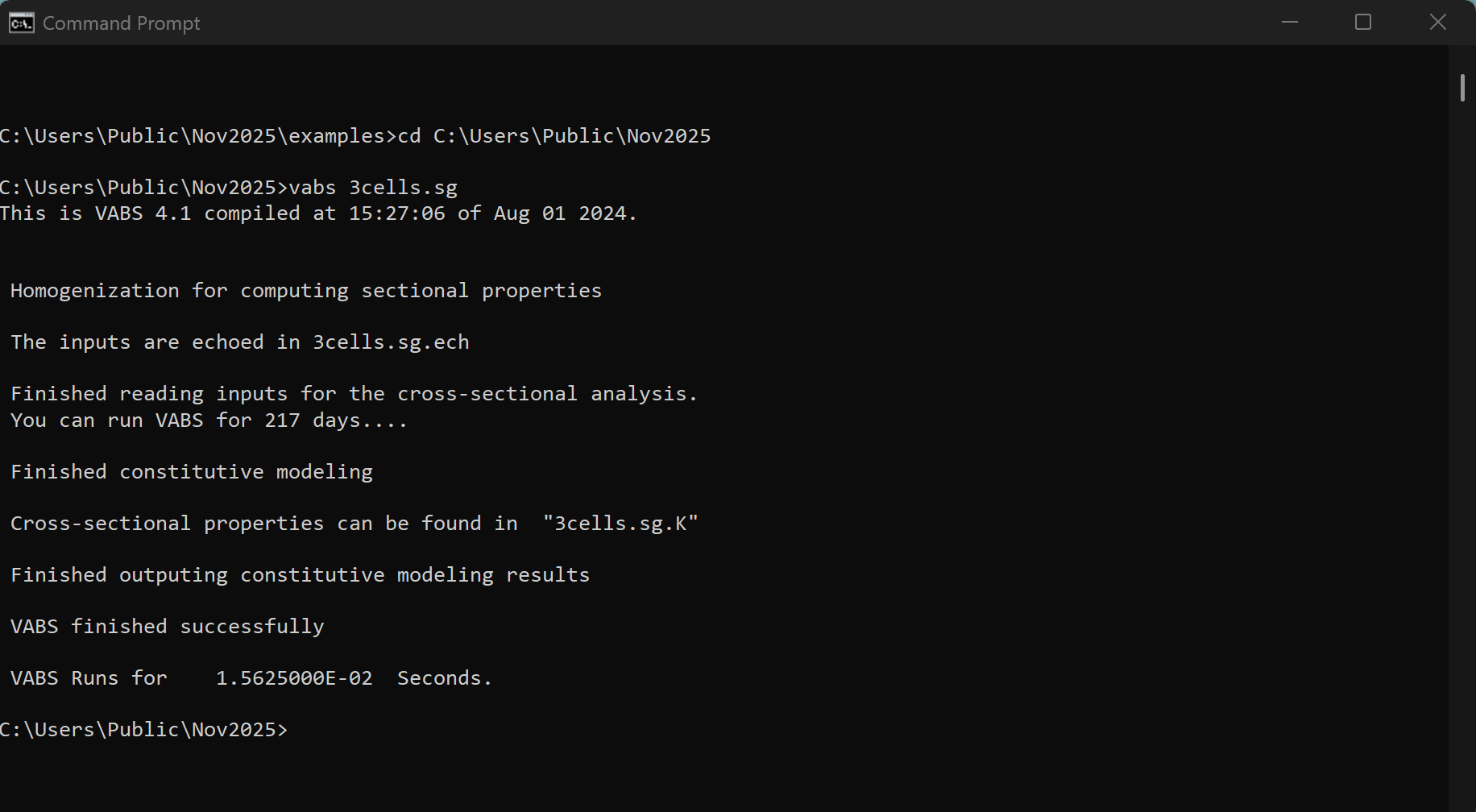
Then the Professor suggested copying all the files from the example folder into the main folder and running the example from there. I did that, and it worked.
The issue was that the license was located in the main folder, but I was trying to run the example from the example folder.
@Hadi, thanks a lot! In other words, for a fixed node license, it must be in the folder where you want to run VABS. For examples, you can copy the license file to examples folder, it should also work. However, for floating license, the license file should be placed in the folder where the license server executable is stored.